
Blogs
Must-Have Features in a School ERP - And Why Most Systems Get Them Wrong
17 May 2026 • Read Time: 4 mins
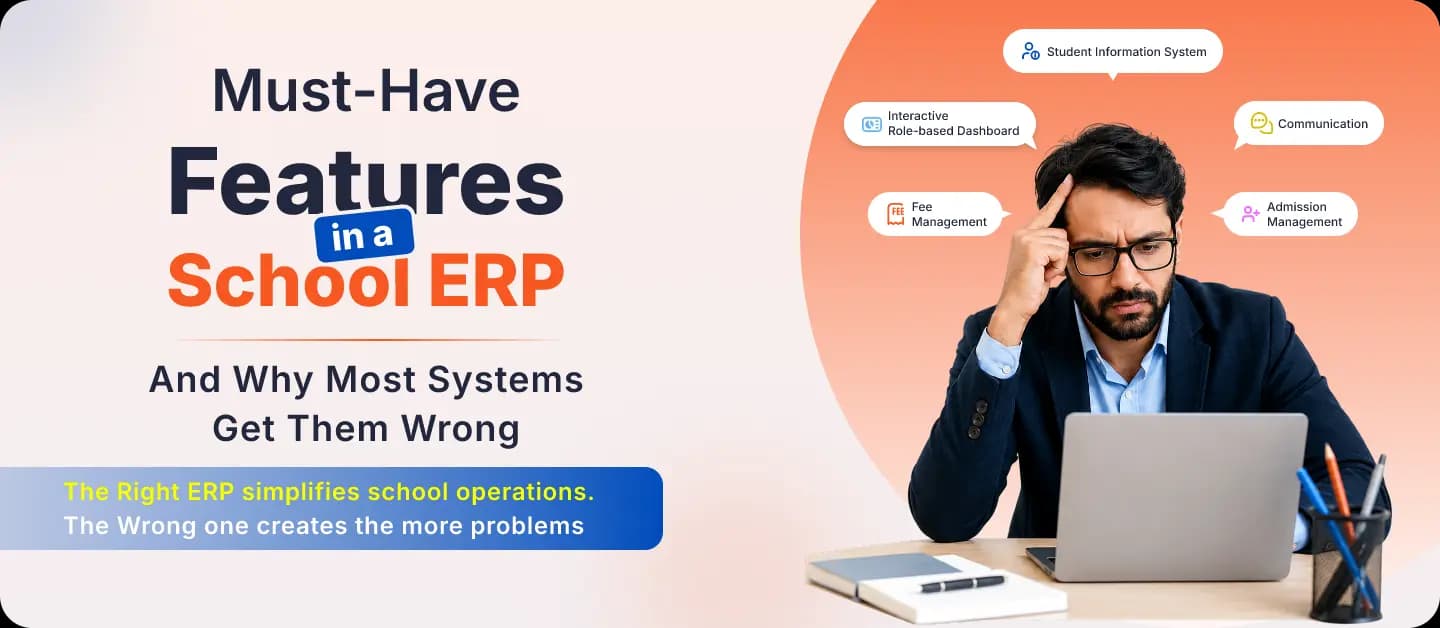
Ask any school ERP vendor what features their platform includes, and you'll get a list that runs to 40 or 50 items. Transport GPS. Canteen management. Alumni tracking. Hostel management.
These features exist. Some schools genuinely need them. But for most growing schools in India, they are noise. The features that actually determine whether an ERP delivers value are far more specific - and far fewer vendors get them right.
Here are the features that should be non-negotiable when you evaluate any school management system.
-
Admissions management that covers the full cycle
Admission season is when most schools feel the pain of poor systems most acutely. Phone calls are going unanswered. Enquiry forms filed and forgotten. Follow-ups missed. Applications tracked in a personal notebook.
A proper admissions module doesn't just store enquiry data - it tracks every application through every stage, automates follow-up communication with parents, and keeps the entire admissions team working from the same information. If an ERP's admissions module is just a form with a database, it's not solving the problem.
-
Attendance that notifies parents automatically
Marking attendance should take a teacher under two minutes per class. But the bigger question is what happens with that data. In most schools, a student can be absent for three days before a parent is formally notified - because someone has to compile the register, cross-check it, and manually send a message.
A genuinely useful attendance system marks attendance digitally, updates records in real time, and triggers automatic parent notifications the moment a student is marked absent. That's the standard. Anything less is just a digital version of a paper register.
-
Fee management that reduces manual follow-up significantly
Fee collection is the single largest source of manual work in most school finance teams. Reminders sent individually. Defaulter lists compiled in spreadsheets. Receipts issued by hand.
A comprehensive fee management module configures fee structures by class or category, tracks every payment automatically, sends reminders via SMS and email without staff involvement, and generates collection reports at any time. The goal is for the finance team to spend their time on exceptions - not on routine follow-up.
-
Examination management from schedule to report card
Examination cycles are among the most labour-intensive periods in any school's calendar. Timetable preparation alone can take days. Mark entry is error-prone when done manually. Report card generation consumes an entire week.
Look for an ERP where exam scheduling, mark entry, result processing, and report card generation are all connected in one workflow. If each step requires a separate manual process or a separate tool, that's a system that will cause stress - not reduce it.
-
Role-specific dashboards - not one view for everyone
One of the most overlooked features in a school ERP is what each user actually sees when they log in. A teacher should see their classes, attendance, assignments, and timetable - not a cluttered dashboard built for administrators. An accountant should see fee collections and pending payments - not academic reports.
Role-specific interfaces are the difference between an ERP that gets adopted and one that gets abandoned. When staff see only what's relevant to their work, they use the system. When they're confronted with everything at once, they find workarounds.
-
Multi-channel communication built into the platform
Parent communication in most schools is reactive. A fee is due, and someone calls. A student is absent, and a message is sent manually. An announcement is made through WhatsApp groups that half the parents aren't in.
An effective school ERP includes SMS, email, and in-system communication - all triggered by the right events, all logged for accountability. Parents should receive timely, structured updates automatically. Staff should be able to communicate internally without switching to separate tools.
-
Management visibility across every department
Owners and principals often make the mistake of evaluating an ERP based on what teachers and admin staff will use. But the value for leadership is different: it's the ability to see how the school is performing - attendance rates, fee collection trends, admissions pipeline, staff activity - without having to ask.
A management dashboard that requires reports to be compiled and sent manually isn't a dashboard. It's just a prettier version of the status quo.
The feature that most ERP demos won't show you
Implementation quality. The gap between what a school ERP promises in a demo and what it delivers three months post-implementation is where most buyers get caught out. Features that looked simple in the demo require IT involvement to configure. Reports that seemed automatic need manual input every time.
Ask every vendor you're evaluating: what does the implementation process look like, who handles it, and what does support look like 90 days after go-live? The answer will tell you more than any feature list.
myMschool is built around the features schools actually depend on and not the ones that look impressive in a demo. See it working across the modules that matter most to your school.